Sections in this page

Get The App

rideRTC is the official transit app of the RTC. Use it to plan your trip, buy passes, and track your bus all from your phone. The app is free to download. You’ll need to create an account before buying passes.

What You Can Do in the App

  • Buy passes on your phone. Get your RTC transit passes anytime, anywhere.
  • Plan your trip. Use step-by-step directions to get where you need to go.
  • Track your bus. See when your bus will arrive in real time.
  • Call customer service. Get help directly from the app.
  • Access your account online. Visit the rideRTC online portal to manage your account and see past trips.
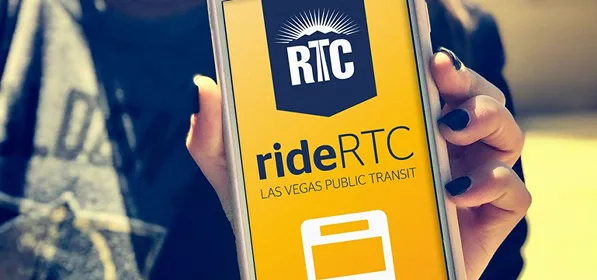
A person holds a smartphone displaying the yellow rideRTC Las Vegas public transit app screen, featuring the RTC logo and a bus icon.

Tip: Activate your pass before boarding the bus

All passes are delivered to your mobile wallet on your smartphone within the app. Most digital passes purchased through rideRTC require the customer to activate the pass prior to use, except the 15 Day and 30 Day digital passes, which are active from the point of purchase. You must scan your digital pass on the validator, but may be required to show the pass on your smartphone to the bus driver or fare enforcement officer when requested, or when the validator is malfunctioning.

How It works

rideRTC Online Portal

You can also manage your account online. Watch our quick tutorials to learn how:

Login & Account Creation

Black background with white text reads: RTC rtc.justride.tickets / JustRide Web Portal Logging in & Creating an Account. An abstract sunburst icon appears above the RTC logo.

Adding Funds

RTC logo above text: rtc.justride.tickets / JustRide Web Portal. Adding Funds to Stored Value Account on a black background.

Purchasing a Pass

Black background with the RTC logo featuring a sunburst above mountains. Text reads: rtc.justrid​e.tickets / JustRide Web Portal How to Purchase a Pass.

Adding Reduced Fare

Black background with white text: RTC rtc.justride.tickets / JustRide Web Portal How to Add Reduced Fare and a sunburst logo above RTC.
Close-up of a person’s hands holding and using a smartphone. The person is wearing several rings on their fingers. The background is blurred and dark.

Have Questions about the rideRTC app?

Check our Help Center for step-by-step instructions.
Or call Customer Services (702) 228-RIDE